Repository map
Open MarkHopper24/barcodrod.io. The README describes encode and decode features, install methods, privacy notes, and the SignPath code signing policy for MSI builds. The licence file is Apache-2.0.
Releases: GitHub Releases. Issues: issues. Product homepage: barcodrod.io.
What the README claims for installs
Method 3 is the standalone MSI from Releases, described as a classic offline installer for x64 and arm64. Method 1 is the Microsoft Store. Method 2 is MSIX from Releases. Method 4 documents a winget line upstream; this guide does not map winget and stays on the MSI door.
That choice keeps the qr code generator path simple for offline or locked-down Windows PCs. MSI howto: how to install the MSI. Offline detail: offline MSI.
Licence and signing
Apache-2.0 lets you use, modify, and redistribute under the licence terms. MSI signing is provided through SignPath.io with a certificate from SignPath Foundation per the README policy. Store builds are signed by Microsoft through the Store.
Safety summary: is it safe. Download-safe: download safe. Releases map: releases.
Stack notes from upstream
README overview lists WinAppSDK, WinUI3, .NET 9, and ZXing.Net. That stack explains the Windows-only desktop focus. There is no macOS or Linux build documented for this qr code generator.
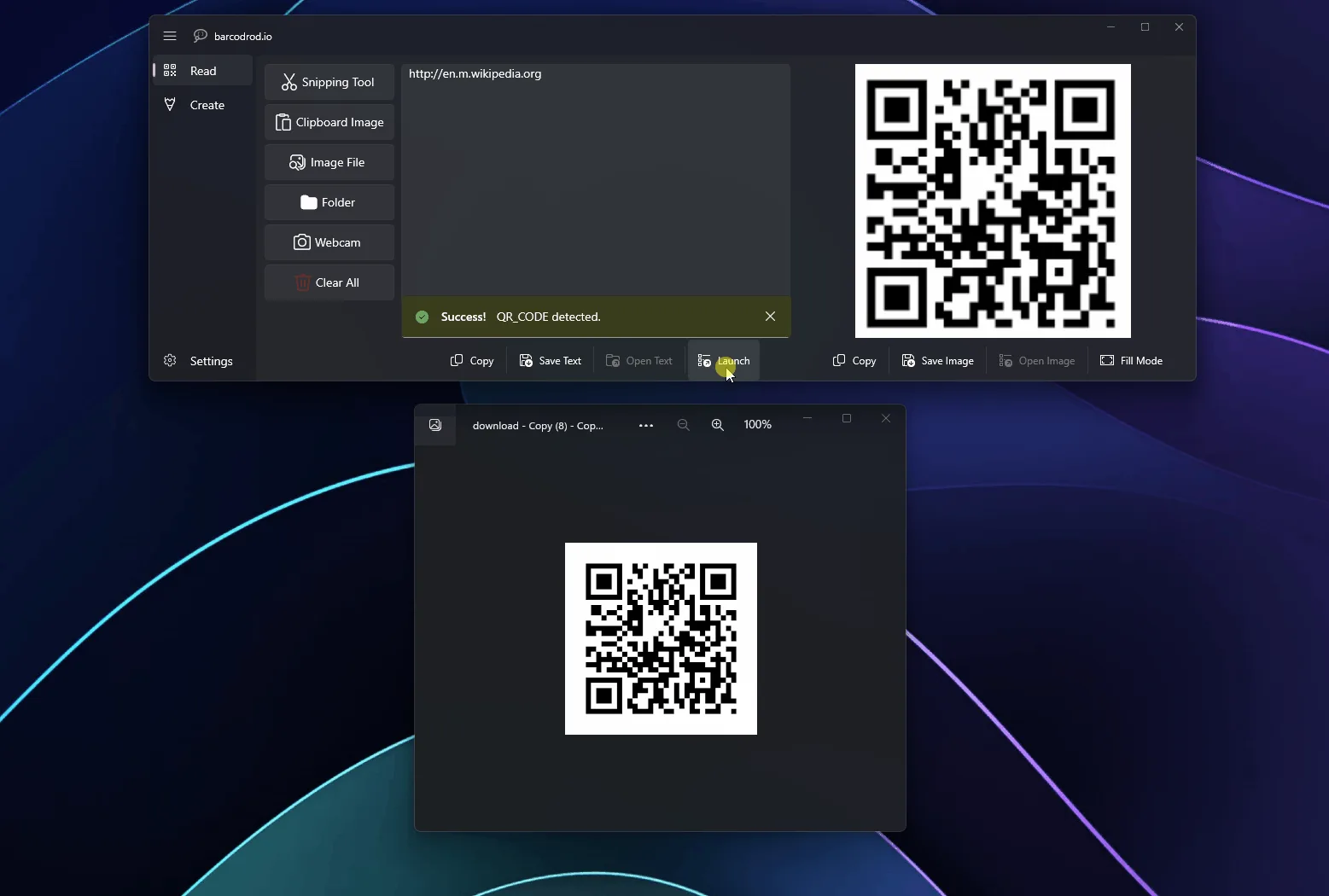
Encode helpers include Wi-Fi, email, and vCard templates. Decode accepts Snipping Tool, clipboard, image file, folder bulk, and webcam sources. Feature guides: Wi-Fi QR, vCard QR.
How Amber Ledger uses the repo
Amber Ledger verifies release asset names and links every download to GitHub Releases. Download buttons open the official MSI assets on the Releases page. Stars, forks, and the current tag arrive through the build-time GitHub fetch.
Install walkthrough: Windows install. Machine chooser: for this computer. Comparison with browser toys: vs web QR tools.
Official releases
All releases on GitHub- GitHub stars
- 227
- Downloads, last 3 releases
- 466
- Latest version
- 2.1
- barcodrod.io-2.1.0.0-arm64.msi 78.1 MB 21 downloads
- barcodrod.io-2.1.0.0-x64.msi 71.6 MB 445 downloads
2.0
v2.0
1.9
v1.9
Counts come from the GitHub API at build time and only cover the v* tags shown here. Package managers (winget, Homebrew, Snap, Flathub) and app stores are not included.
Checklist before you leave
Confirm the file name on GitHub Releases matches barcodrod.io-*-x64.msi or the arm64 MSI. Confirm Windows 10 or 11. Confirm you will open Create after install so the qr code generator path is proven with one saved image.
- Prefer one update door for this qr code generator.
- Prefer SignPath-signed MSI assets from the official repository.
- Prefer local Create helpers for Wi-Fi and vCard when payloads repeat.
- Skip Softonic-style wrappers that rename the setup.
When a lab image blocks the MSI
If a lab image blocks the MSI, use an approved Microsoft Store channel for the same product line instead of a random mirror. If SmartScreen warns, re-check that the download came from GitHub Releases for MarkHopper24/barcodrod.io.
Related reading spans releases, GitHub, download-safe notes, machine setup, MSI howto, Store comparison, offline MSI detail, first run, Wi-Fi and vCard helpers, safety, troubleshooting, and update guidance. Start with the install guide when the app is not on the PC yet.
Payload accuracy still wins
A desktop qr code generator does not replace careful payload entry. Double-check SSID spelling, contact phone fields, and short URLs before you print a stack. Error correction helps damaged prints; it cannot fix a wrong string.
When you compare browser toys with the MSI, remember offline installs and local history. When you compare Store with MSI, remember license acquisition differences documented upstream. Keep the keyword job clear: generation first, decode second. A second Create proof after every reinstall keeps the qr code generator habit boring and reliable on shared PCs.
Operators who print weekly should keep a short trusted sample payload, a known-good phone for scan checks, and a written note of whether the PC used MSI or Store. That small ritual prevents most support tickets around this qr code generator workflow.