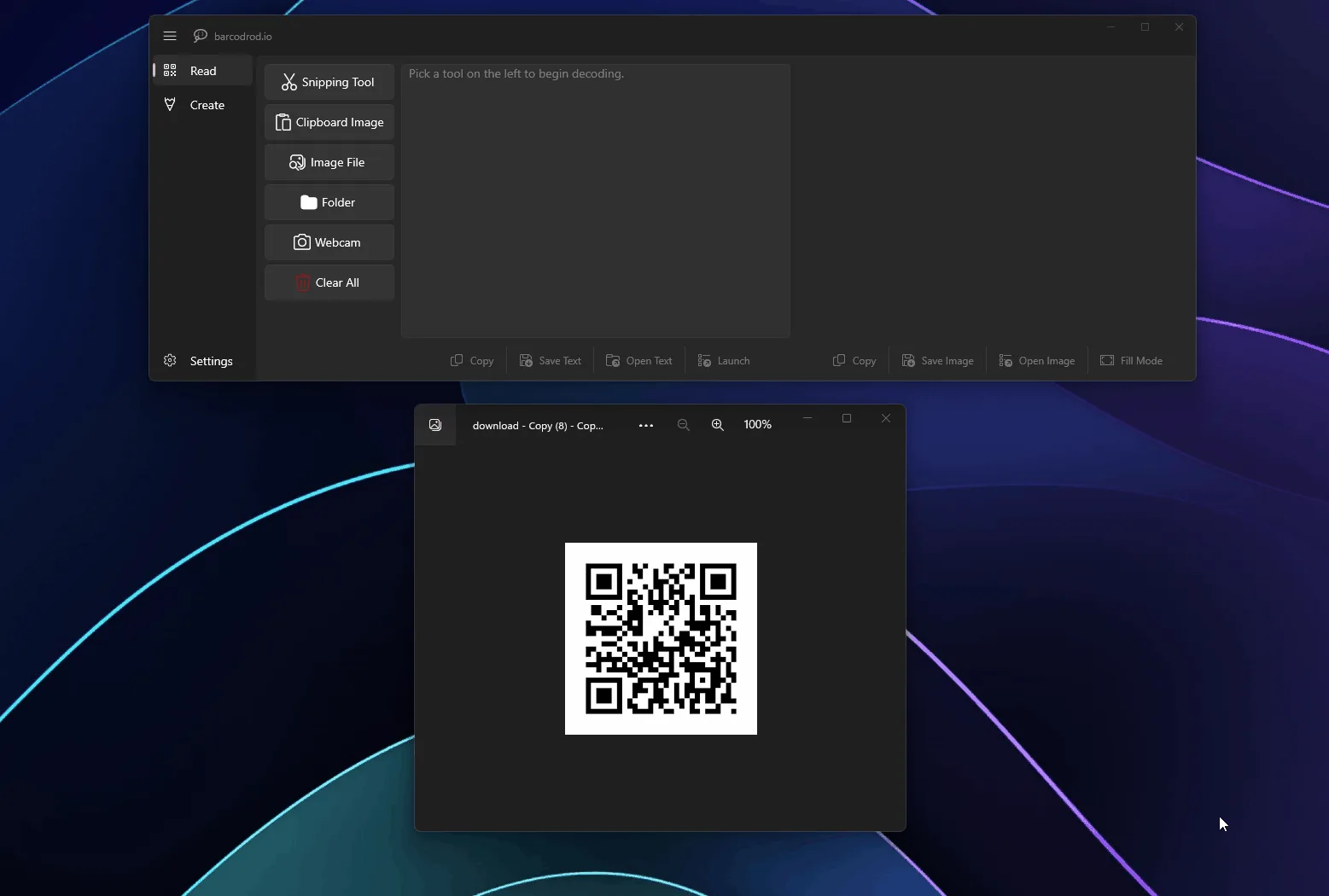
What offline means here
README Method 3 says the standalone MSI is a classic, fully offline installer for x64 and arm64. After install, encode and decode stay local per privacy notes. That is the mapped door for this qr code generator.
Contrast with Store paths
Store and MSIX paths may require internet for license acquisition on first installation. Use them when your org already approves Store apps. Prefer MSI when the PC must install without Store access.
Compare: Store vs MSI. Safe fetch: download safe.
Practical steps
Download the matching MSI on a machine that can reach GitHub if needed, copy the file to the offline PC, run it, then open Create. Install guide: install on Windows.
Signing: SignPath policy in the README. Safety overview: is it safe.
More detail for operators
A qr code generator on a shift PC should stay boring: one MSI door, one Start menu entry, one Create proof after every reinstall. barcodrod.io gives you that path under Apache-2.0 with SignPath-signed MSI builds on GitHub Releases.
When you teach a coworker, show the Releases file name first. Then show Create. Then show a single Read verification on a printed sample. Skip bulk folder decode until those three habits stick.
Habits that prevent tickets
- Keep one Start menu entry for this qr code generator.
- Keep one update door (GitHub MSI or Store, not both).
- Keep a short trusted sample payload for Create proofs.
- Keep Softonic-style portals out of the bookmark bar.
Wi-Fi and vCard helpers reduce typos when the same payload repeats. Still read the fields aloud once. Phones will encode whatever you typed, including mistakes. A second Create proof after reinstall keeps the qr code generator path honest on shared machines.
When something fails
If updates fail, confirm you are not mixing Store and MSI. If SmartScreen blocks a file, re-fetch from the official Releases page. If architecture mismatches, switch x64 and arm64 deliberately. Keep offline notes handy for locked-down rooms and Store notes handy for managed catalogs.
Related cluster pages cover releases, GitHub, download-safe fetching, machine setup, MSI howto, and web-tool comparisons. Related guides cover first run, safety, troubleshooting, and uninstall. That map is enough to run a reliable Windows qr code generator without chasing adware mirrors.
Frequently asked questions
Where do I download?
Prefer GitHub Releases for MarkHopper24/barcodrod.io MSI assets, or the Microsoft Store listing. Skip Softonic-style wrappers. Confirm the asset name before you run it. Keep one update door for this qr code generator on Windows, and prove one Create save before enabling bulk decode tools.
Do I need an account?
No account is required for local Create and Read with barcodrod.io. Prefer the current barcodrod.io-*-x64.msi or arm64 MSI from GitHub Releases. Skip Softonic-style wrappers. Keep one update door for this qr code generator on Windows, and prove one Create save before enabling bulk decode tools.
Is winget mapped here?
No. This guide maps the GitHub Releases MSI only. Prefer barcodrod.io-*-x64.msi or the arm64 MSI from GitHub Releases for MarkHopper24/barcodrod.io. Skip Softonic-style wrappers. Keep one update door for this qr code generator on Windows, and prove one Create save before enabling bulk decode tools.